
Traffic Case Records in Schoolcraft County
Traffic tickets in Schoolcraft County land in the 93rd District Court. That court file may include the citation or complaint, the case number, party names, the offense or citation date, the court's response, and hearing entries. It may also show a finding or disposition, the assessment, payment records, compliance, and any public order. A civil infraction follows one path. A misdemeanor or other criminal traffic matter can follow another. The citation tells you which type of case you actually have. So does the Schoolcraft court record itself.
No Manistique municipal court is listed in the Schoolcraft directory. Check the citation, the notice, or the clerk to confirm venue. Records from the issuing agency sit apart from the D93 court file. So do federal courts, tribal courts, or other jurisdictions.
Schoolcraft County Traffic Court Route
Traffic questions in Schoolcraft County start with the Schoolcraft County 93rd District Court. You will find the office in Room 135 at 300 Walnut Street, Manistique. The county lists 906-341-3630 as its phone number. Give the clerk the citation or case number so the right case comes up quickly.
For case history online, the Schoolcraft D93 MiCOURT route is the public entry point. Treat it as informational. It can help you locate a public case. But the clerk still confirms the docket entry, payment handling, hearing details, or any requested copy.
Schoolcraft County Traffic Ticket Lookups
Begin a Schoolcraft County ticket lookup with what the ticket itself prints. MiCOURT offers a public name search and a case-number search. The name search needs a first and last name. The case-number search takes a case year, the required case number, and an optional type. A fresh citation may not appear right away. A missing result can come from the court selection, a filter, a spelling slip, public-access limits, or a case that has not been indexed yet.
- Read the Schoolcraft citation for its court, citation number, printed response date, and violation description.
- Use the Schoolcraft D93 MiCOURT route to search by exact name or by the available case-number components.
- Match the Schoolcraft court, case ID, party, filed date, and citation date before relying on a result.
- If a result has not posted or a detail is unclear, call the D93 clerk or request help at the counter.
- Confirm the court date, response deadline, case status, and current amount with the Schoolcraft court before acting.
MiCOURT gates its public access behind an hCaptcha control. That is part of the normal process, so use the public interface as intended rather than any automated workaround or repeated automated submission.
Schoolcraft Citation Search Fields
The state PayTix interface and the Schoolcraft MiCOURT route are different tools. The table sticks to non-sensitive search details. Those details can help identify a Schoolcraft traffic court record. Never publish or share private identity fields from a ticket or payment screen. Results remain subject to the court's public-access limits. The portal's informational-only warning still applies.
| Search field | Where used | How it helps |
|---|---|---|
| County and court selector | PayTix/ePAY | Confirms whether the selected payment system recognizes the issuing court. |
| Last name and ticket number | PayTix/ePAY | One official payment-search mode when participation is confirmed. |
| Case year and case number | MiCOURT | Locates a public Schoolcraft case history when those details are known. |
| Optional case type | MiCOURT | Can help narrow a case-number search; format examples are not local sample cases. |
| Case status | MiCOURT | Filters public results as open or pending, adjudicated or disposed, or closed. |
For PayTix, the official PayTix payment-search page is the place to see its county and court selector and the search modes it supports.
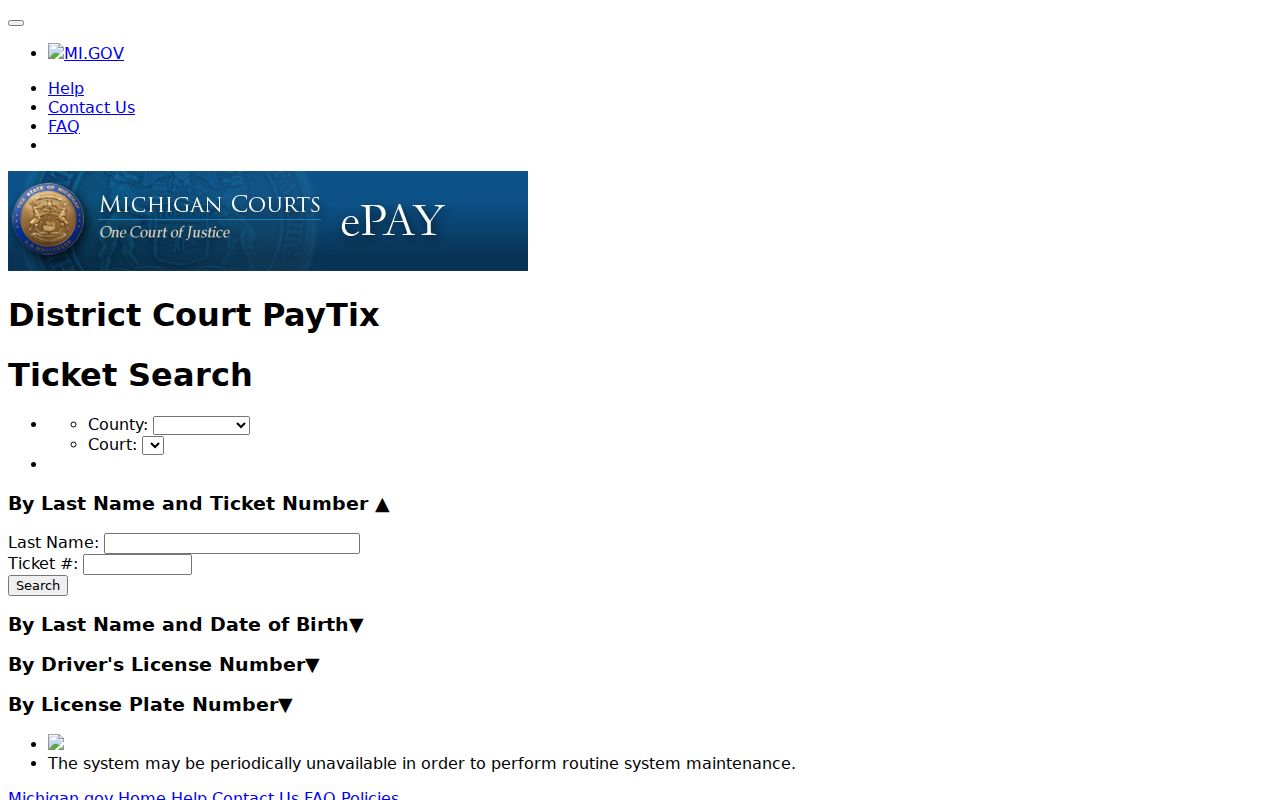
Note: Schoolcraft D93 participation is not confirmed in the PayTix material, so the county selector alone is no proof a Schoolcraft citation can be paid there.
Traffic Court Dates in Schoolcraft County
The date printed on a Schoolcraft citation is your first reference point. A public MiCOURT case history may show a next hearing when one exists. The statewide MiCOURT CourtDisplay calendar adds public rows for party name, time, room, and case number. It also offers date controls and paging. Remember what that screen is. CourtDisplay shows hearings, not the citation file and not a final order.
The clerk posts no stable local daily docket PDF or county-specific calendar feed. Confirm the case number, date, time, and room with the D93 clerk. Confirm the proceeding type and any change too. An adjournment can supersede a date on an older notice. So can a later court order. The public case history helps, but the Schoolcraft clerk is the confirmation route.
| Citation or case number | Use the printed ticket number or a public case format such as 2018 1818003 SC; this is an interface example, not a Schoolcraft citation. |
|---|---|
| Court | Confirm that the record is assigned to the Schoolcraft 93rd District Court. |
| Date and time | Check the citation, public next-hearing field when shown, and the clerk’s current information. |
| Room | CourtDisplay may display a room, but confirm any Schoolcraft courtroom detail with the clerk. |
| Status | Read the public status with the case history; it does not replace the court’s current instructions. |
Schoolcraft Citation Response Deadline
Follow the deadline printed on the Schoolcraft citation or a later court notice. Michigan traffic materials describe response periods. These cover further notice when a person fails to answer, appear, or comply. A generic statewide number still cannot replace the Schoolcraft date on the ticket. Civil infractions and misdemeanor or other criminal traffic matters can move on different tracks. The cited instructions control the response for that case.
A neighboring Alger County FAQ describes a shared D93 process. Under it, a civil infraction can be denied by telephone at the Manistique court, in person, or by written request. Treat that as context rather than a Schoolcraft County promise. Have the Schoolcraft clerk confirm the current local method, the hearing option, and any written-request requirements. Do this before relying on the neighboring-county description.
Note: Keep the Schoolcraft citation and proof of any timely contact. A portal problem does not by itself extend the printed response date.
Paying a Ticket vs Fighting It
Answer a Schoolcraft County citation by the option and deadline printed on the ticket or confirmed by the court. On a civil infraction, the response may be an admission. It may instead be a denial with a request for hearing. A misdemeanor or other criminal traffic case may demand something different. Do not assume an online payment route exists. Do not trust a portal balance either. That figure may not be what the Schoolcraft payment office currently accepts.
| Paying or admitting as instructed | Denying or requesting a hearing |
|---|---|
| Follows the cited payment or response option after the Schoolcraft court confirms the case. | Uses the cited denial or hearing-request option for the Schoolcraft matter. |
| Check the current amount, method, and deadline with the clerk or authorized local channel. | Check the request deadline, hearing date, and Schoolcraft filing method with the clerk. |
| Retain confirmation of the accepted Schoolcraft response or payment. | Retain confirmation of the Schoolcraft request and follow the next court notice. |
Missed response: Michigan traffic materials describe additional notice and possible consequences when a person fails to answer, appear, or comply. In some circumstances a bench-warrant decision can follow the notice process, with exceptions for serious offenses. A live Schoolcraft case requires a prompt clerk check or qualified legal advice rather than an assumption drawn from a public status line.
Schoolcraft County Payment Channels
Schoolcraft County's online-payments page sends visitors to GovPayNow. That county page shows no citation deadline. It lists no fee amount, and no button tied to any single Schoolcraft case. Before you pay anything, check with the 93rd District Court. Confirm the citation, the amount, and the accepted channel there. A payment landing page is not a docket search. It also proves nothing about whether your matter can even be paid online.
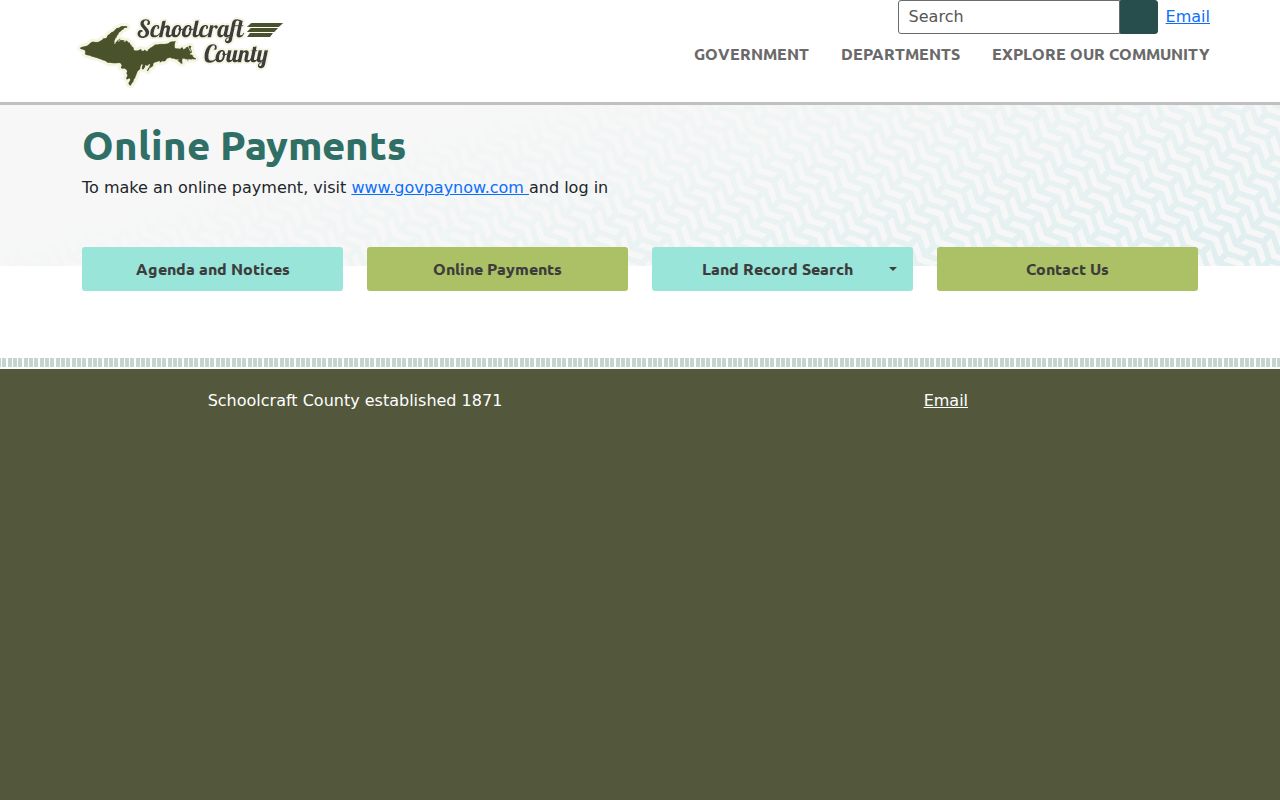
The county redirect is the documented lead for paying a Schoolcraft traffic ticket. The court file and its deadline still take separate confirmation. Before you rely on any payment page, check what the clerk itself directs. The official PayTix system page posts its own system notices. It tells users to contact the court when the payment service is down. Schoolcraft D93 participation is not established there. A third-party page might route a Schoolcraft ticket to PayTix. If so, confirm the court selector first. Check the ticket result too. Then follow the county link or the clerk’s instructions.
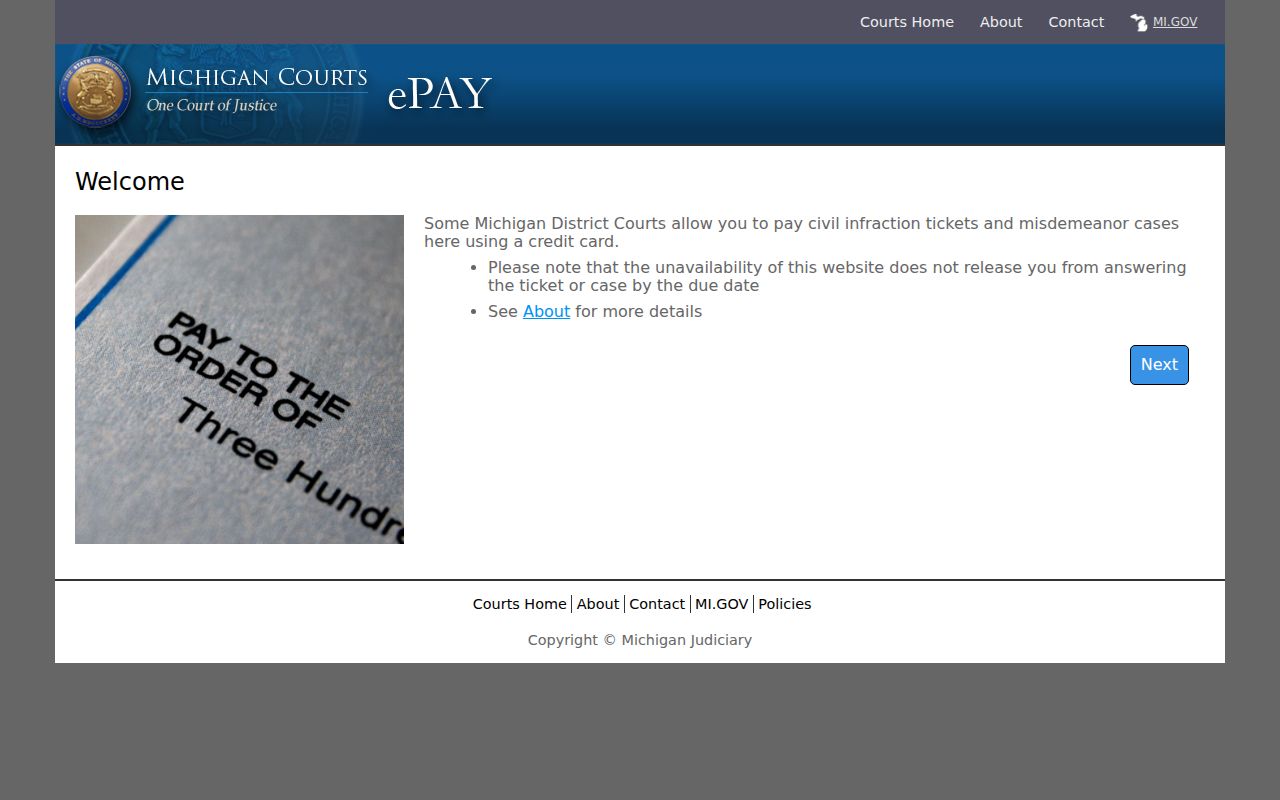
A payment-system notice never extends the Schoolcraft citation deadline. When a system is unavailable, hold onto the ticket and keep proof that you tried to make contact.
Two Records: Court File and Driver File
Two different files follow a Schoolcraft County traffic case, and they live in different hands. The court file sits with the Schoolcraft court. It tracks the citation case itself: the filings, the hearings, and every court event. The Michigan Department of State keeps a separate driver file, which records state-maintained driving activity as that department describes it. Neither one substitutes for the other. A court docket search will not show that file. Nor will a driver-record request produce a Schoolcraft case history, disposition, or court order.
| Schoolcraft court file | Michigan state driver file | |
|---|---|---|
| Kept by | 93rd District Court and its clerk | Michigan Department of State |
| Focus | Citation, response, hearing, finding, assessment, compliance, and public orders | State-maintained traffic violations, reportable determinations, actions, and related activity |
| Request path | MiCOURT public history or a Schoolcraft clerk request | Department of State’s own record-access channel |
| Correction question | Ask the Schoolcraft court about the court-supplied case information | MDOS says a corrected abstract comes from the court when court-supplied information is wrong |
The Michigan Department of State driving-record page explains that state-record access runs on its own track, apart from the court file.
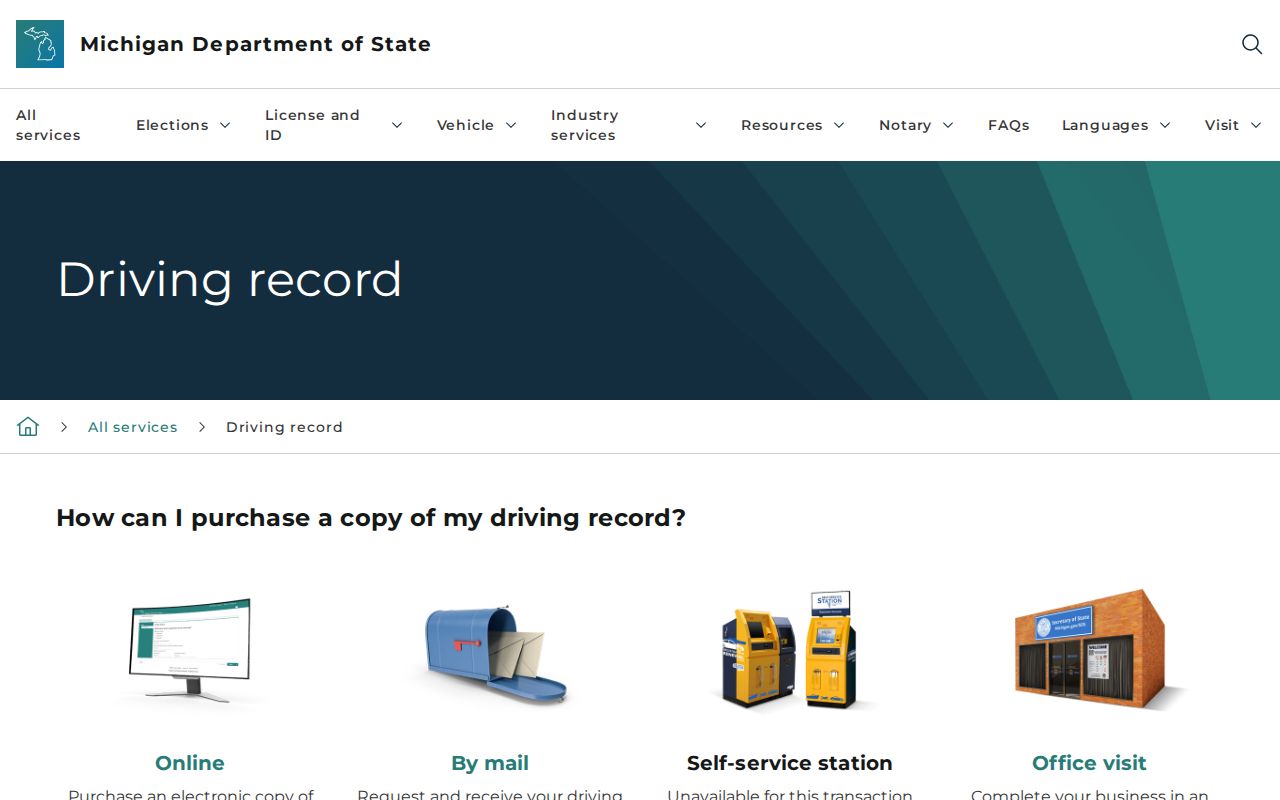
When a Schoolcraft court disposition looks wrong in the state file, contact the court about its own record first. Then ask the state about a corrected abstract.
Schoolcraft Failure-to-Answer Process
Missing a court date in Schoolcraft County triggers more than a late fee. Under Michigan traffic rules, failing to answer, appear, or comply starts a new notice process. There is a short rebuttable-presumption window. It runs before a bench-warrant decision in an ordinary first failure-to-answer case. Assaultive or domestic circumstances follow different rules. Timelines and consequences vary case by case. Call the D93 clerk right away. Do not guess your status from an old notice or a portal result. The Michigan Traffic Benchbook material on failure to answer lays out the state process.
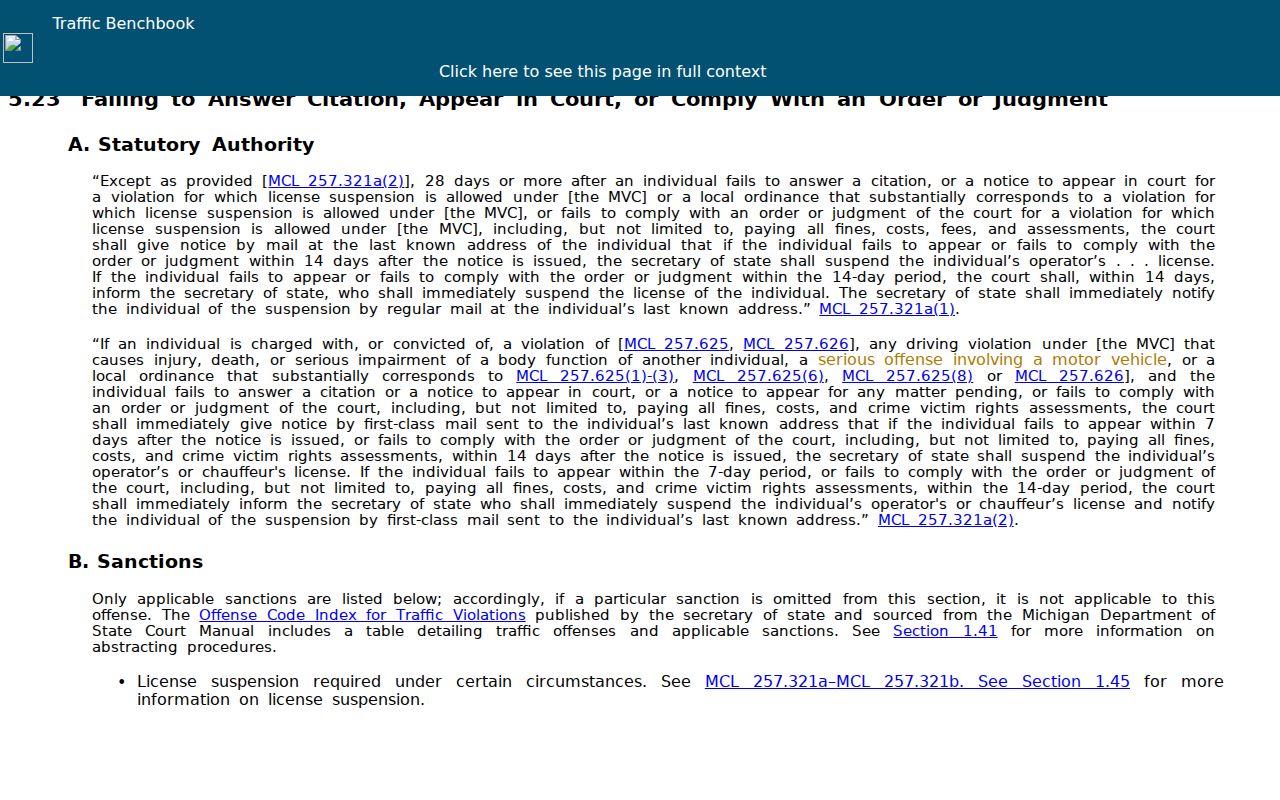
Treat that benchbook material as a reason to check the Schoolcraft court docket promptly. It describes general process, not the outcome of your particular citation.
Traffic Record Copy Fees
Schoolcraft County posts no court-specific fee table for traffic copies, certification, search work, or mailing. Call the district clerk before submitting a request. Ask what the item costs, how it will be delivered, and whether it is public at all. Name the exact product you want. Options include inspection of a public file, an ordinary copy, a certified copy, a public register of actions, or a disposition order. The clerk can price each one.
| Requested item | Fee information | Schoolcraft confirmation |
|---|---|---|
| Inspection of a public court record | State records standards say a court may not charge merely for public inspection or access. | Ask the D93 clerk about access procedure or an appointment. |
| Ordinary copy | State standards permit a reasonable reproduction fee; no local amount was located. | Confirm the current per-page charge and delivery method. |
| Certified copy | State guidance identifies $1 per page plus $10 certification under MCL 600.2546. | Confirm the current local calculation and any form before ordering. |
| State driver-file request | Use the Department of State’s current page rather than a static published price. | This is not a Schoolcraft court-file copy request. |
The Michigan Trial Court Records Management Standards give the state fee context only. They set no current Schoolcraft County clerk charge.
Schoolcraft Portal Privacy Limits
The Schoolcraft County public court search works as an index and case-history route. It is not a full document archive. Results can leave out sealed, suppressed, protected, juvenile, or other restricted material. Michigan court rules shield certain personal details too. So treat a Schoolcraft traffic citation with care. Share it only through the court's official channels, and keep sensitive ticket details out of public requests or online posts.
Portal status labels have limits as well. Terms like "open," "adjudicated or disposed," and "closed" are just groupings the system assigns. They do not tell the whole story of a case. The clerk can verify the court, case number, filed date, hearing information, current balance, and the public disposition entry on the Schoolcraft court docket. When you need a court-file copy, send the request to the Schoolcraft court. That is the office that maintains the case.